Now in public beta
Turn one image
into a video.
Pick a template, add a photo, and BrizV renders a vertical video ready to post — no timeline, no editing.
Free to start · No credit card required
Templates
A style for whatever you're posting.
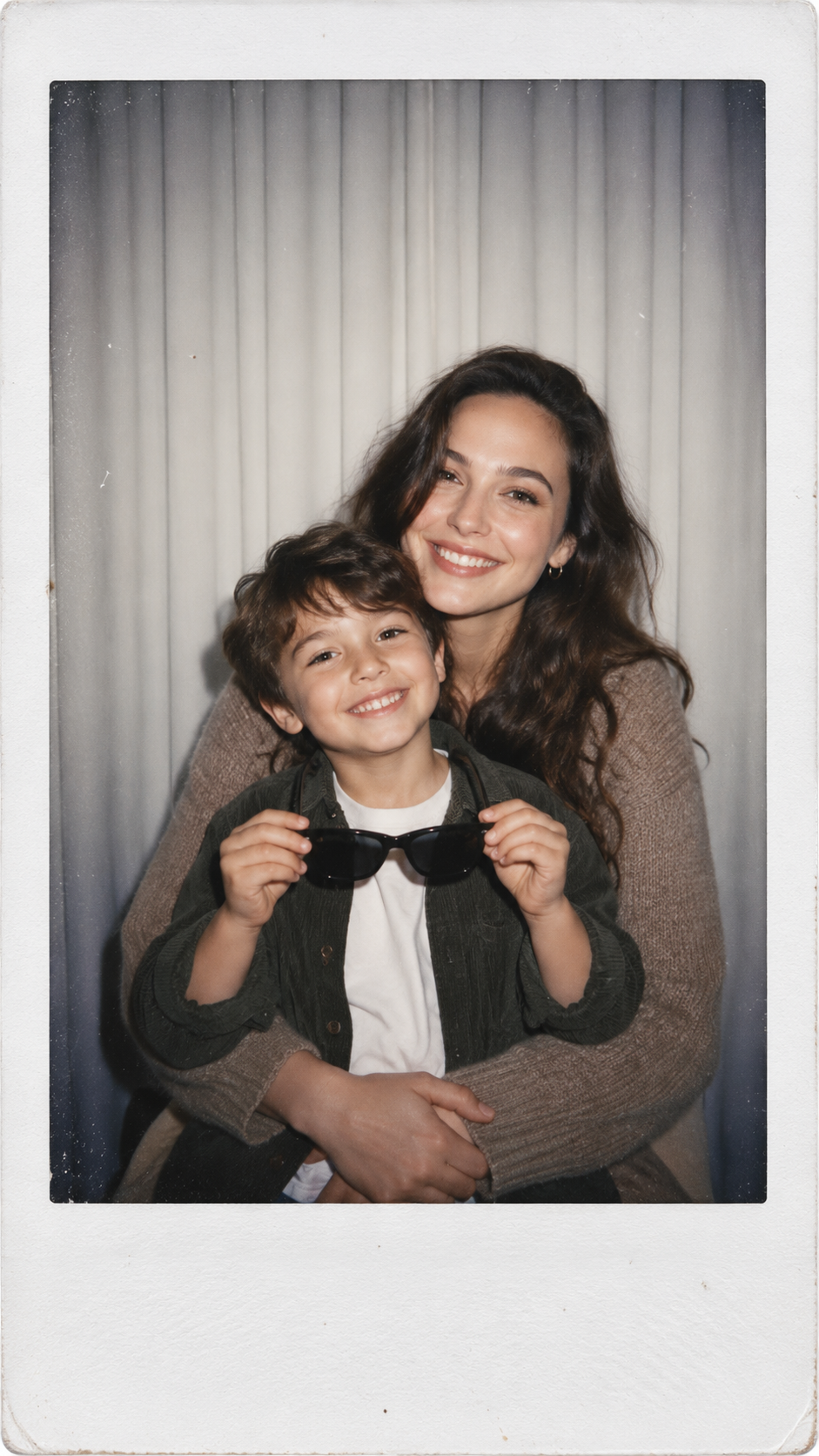

How it works
Three steps, start to post.
- 01
Choose a template
Every template carries its own motion, pacing and look. Pick the one that fits the post.
- 02
Add one image
Upload a single photo. That's the whole input — no clips, no timeline, no keyframes.
- 03
Generate and download
BrizV renders a vertical video and keeps it in your library, ready to download and post.
FAQ
Questions, answered
What is BrizV?+
BrizV turns a single image into a share-ready AI video. Choose a template or start manually, upload your image, and generate in seconds.
Do I need video editing experience?+
No. BrizV is built for creators who want fast output without timelines, keyframes, or complex tools.
How does pricing work?+
Subscriptions such as Creator Weekly and Creator Monthly include recurring credits each billing period. You can also buy one-time credit packs such as the Starter Pack and Creator Pack without changing your subscription.
Can I cancel my subscription?+
Yes. Creator Weekly and Creator Monthly are billed by Apple, so you cancel them with Apple: open Account → Plans & credits in the app and tap Manage in Settings, or go to Settings, tap your name, then Subscriptions. Cancel at least 24 hours before the period ends to avoid the next renewal.